
10 Best Accessibility Testing Tools: A CTO's Guide
 By David LoPresti May 15, 2026
 Your legal team forwards a demand letter alleging your website violates the ADA. Your first reaction is usually simple: we run an accessibility checker, so how did this get missed?
That question is exactly why many teams end up rethinking their accessibility testing tools. A scanner can flag obvious failures, but it can’t validate real user flows, confirm assistive technology behavior, or produce the kind of evidence your compliance, procurement, and legal teams can stand behind. If your stack stops at automated scans, you’re exposed.
The market has caught up to that reality. The global Accessibility Testing Tools Market was valued at USD 578.73 million in 2024 and is projected to reach USD 994.03 million by 2032, according to Verified Market Research’s accessibility testing tools market forecast. That growth reflects how accessibility testing is becoming an integral part of enterprise delivery pipelines, not just annual audits.
The right answer isn’t one tool. It’s a layered stack across design review, local development, CI, QA, manual assistive technology testing, documentation, and re-testing. This guide is written for CTOs and product leaders who need to choose accessibility testing tools with compliance risk in mind, not just developer convenience.
1. Axe DevTools
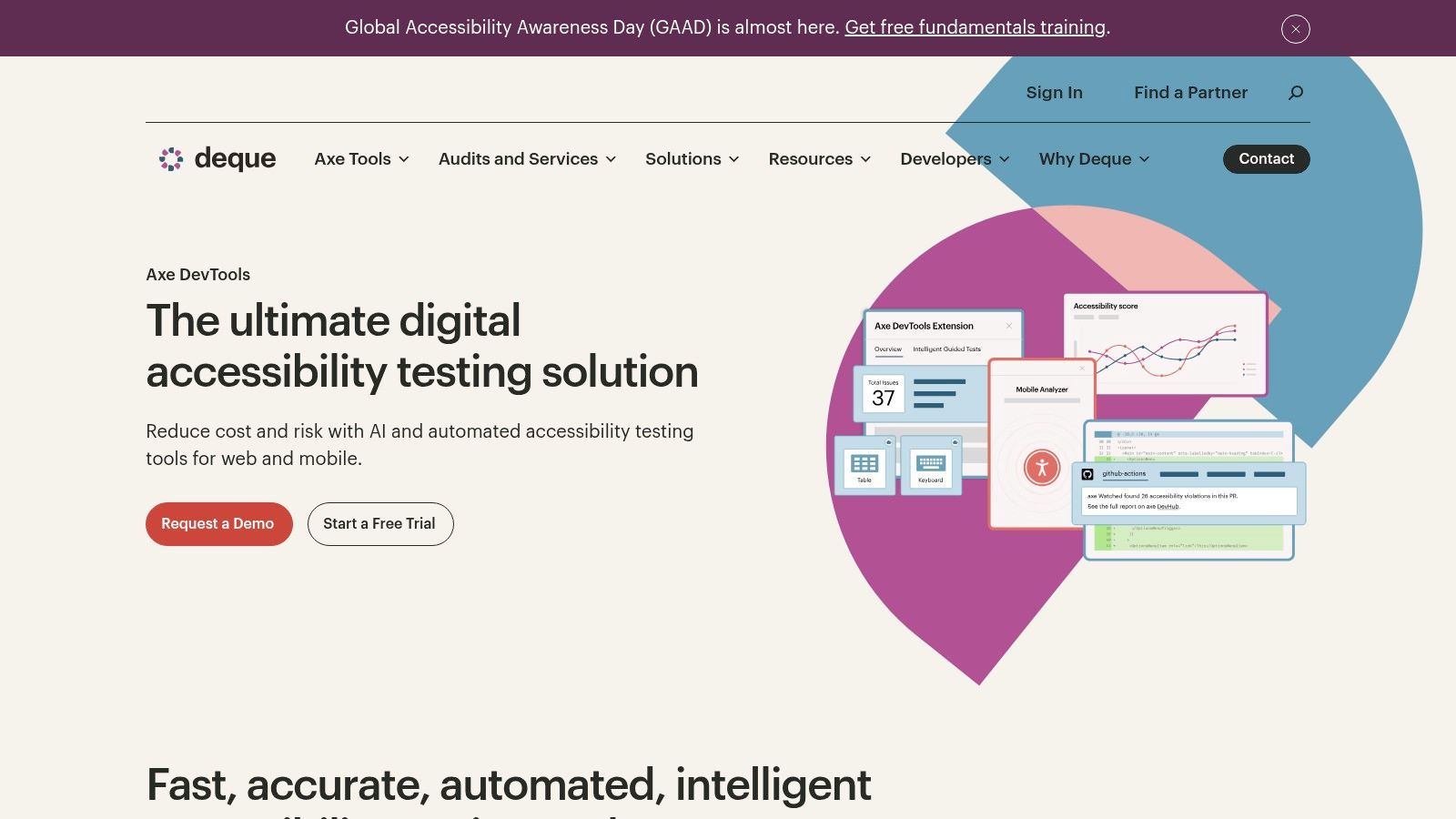
If your engineers want one of the most practical accessibility testing tools for day-to-day work, Axe DevTools belongs near the top of the list. It works where your team already works: in the browser, in local testing, and in pipeline-oriented workflows.
Deque’s rules engine matters here. In Deque’s 2021 study of its axe suite, the company analyzed anonymized data from over 2,000 audits across more than 13,000 pages and nearly 300,000 issues, finding that automated testing covered, on average, 57% of accessibility issues. Deque published that benchmark in its automated testing study on axe coverage. That doesn’t mean Axe proves compliance. It means axe-based tooling catches a meaningful share of defects early if you wire it into the SDLC.
Why CTOs buy it
Axe DevTools is strong when you need consistency between developer testing and enterprise reporting. The browser tooling gives engineers precise issue locations, while paid tiers add governance and workflow support your QA and compliance teams can use.
- Best for developers: Engineers get code-level issue detail, selectors, and fix guidance without leaving their workflow.
- Best for CI adoption: Teams can move from ad hoc scans to repeatable checks in pull requests and test pipelines.
- Best for standardization: If you want one rules engine used across teams, Axe is a practical anchor.
Practical rule: Use Axe early and often, but don’t mistake rule coverage for legal defensibility.
The limitation is the same one every mature team runs into. Automated coverage isn’t full coverage, and that’s why you still need manual vs automated accessibility testing as a formal part of release and audit workflows.
You should choose Axe DevTools if your highest priority is developer adoption. You should not choose it as your only compliance control.
2. Accessibility Insights
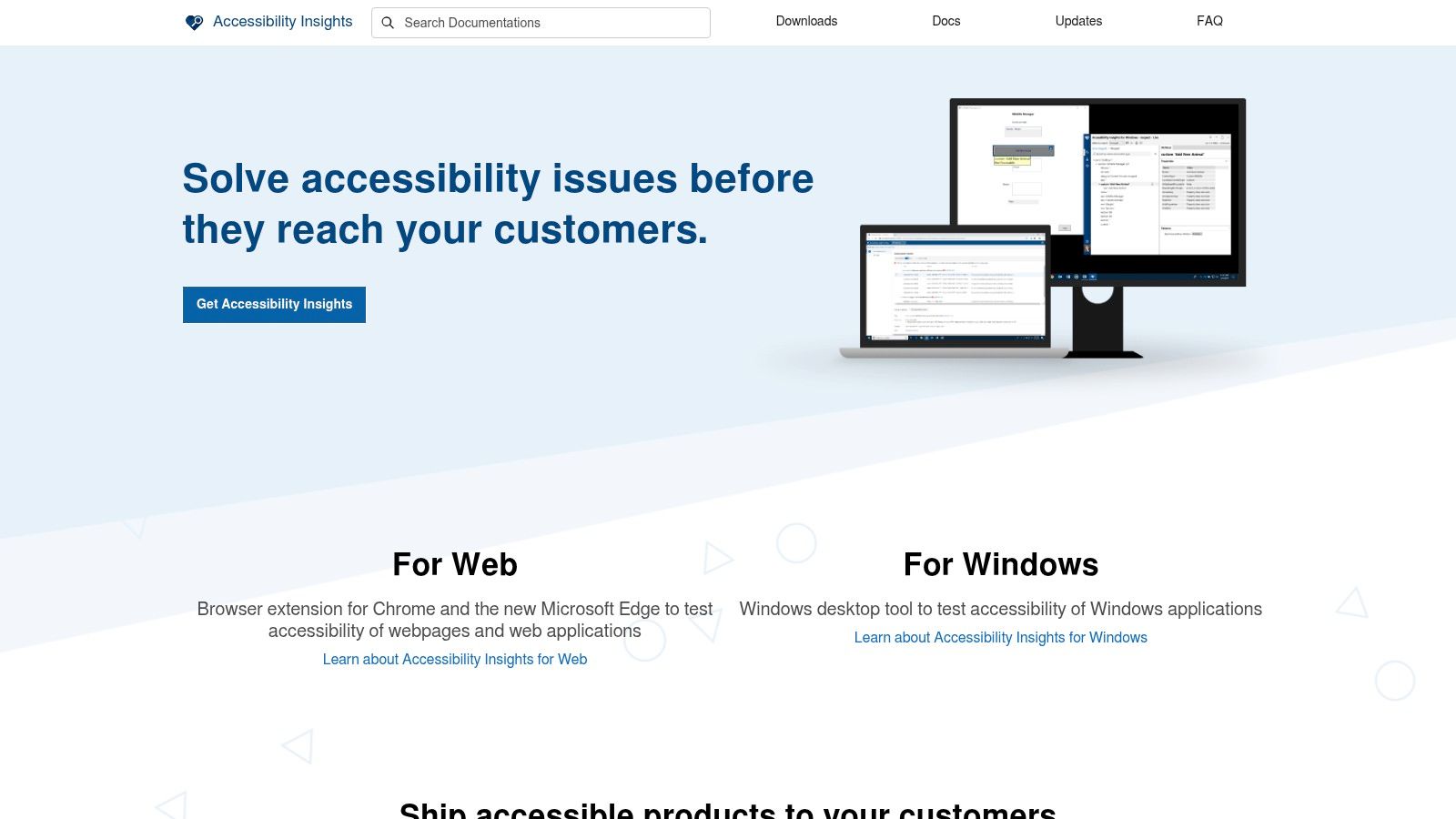
Accessibility Insights is the tool I recommend when a team needs to improve testing discipline fast without adding procurement friction. It’s free, maintained by Microsoft, and useful for web, Windows, and Android testing.
Its value isn’t just that it catches common failures. It teaches people how to test. FastPass supports quick triage, and the guided manual checks help newer QA analysts and developers build good habits around focus order, landmarks, contrast, and WCAG-aligned review steps.
Where it fits best
This is a strong choice for organizations building an accessibility practice, not just buying a scanner. It works especially well for internal product teams, public-sector vendors, and engineering groups that want a shared baseline before investing in enterprise governance software.
A few reasons it earns a place in a stack:
- Good training tool: It helps engineers and testers understand why an issue matters, not just where it appears.
- Balanced workflow: It combines automated checks with guided manual review.
- Low adoption barrier: Teams can start immediately without waiting for budget approval.
Accessibility Insights does have a ceiling. It won’t give you the portfolio-level monitoring, policy dashboards, or governance workflows that larger organizations usually need once accessibility becomes an operational program rather than an informal practice.
It isn’t a compliance system of record. It’s an excellent operational starting point.
If your team is early in maturity, use Accessibility Insights to build habits. If you’re already managing a large digital estate, pair it with stronger reporting, manual audits, and retesting procedures.
3. WAVE Web Accessibility Evaluation Tools
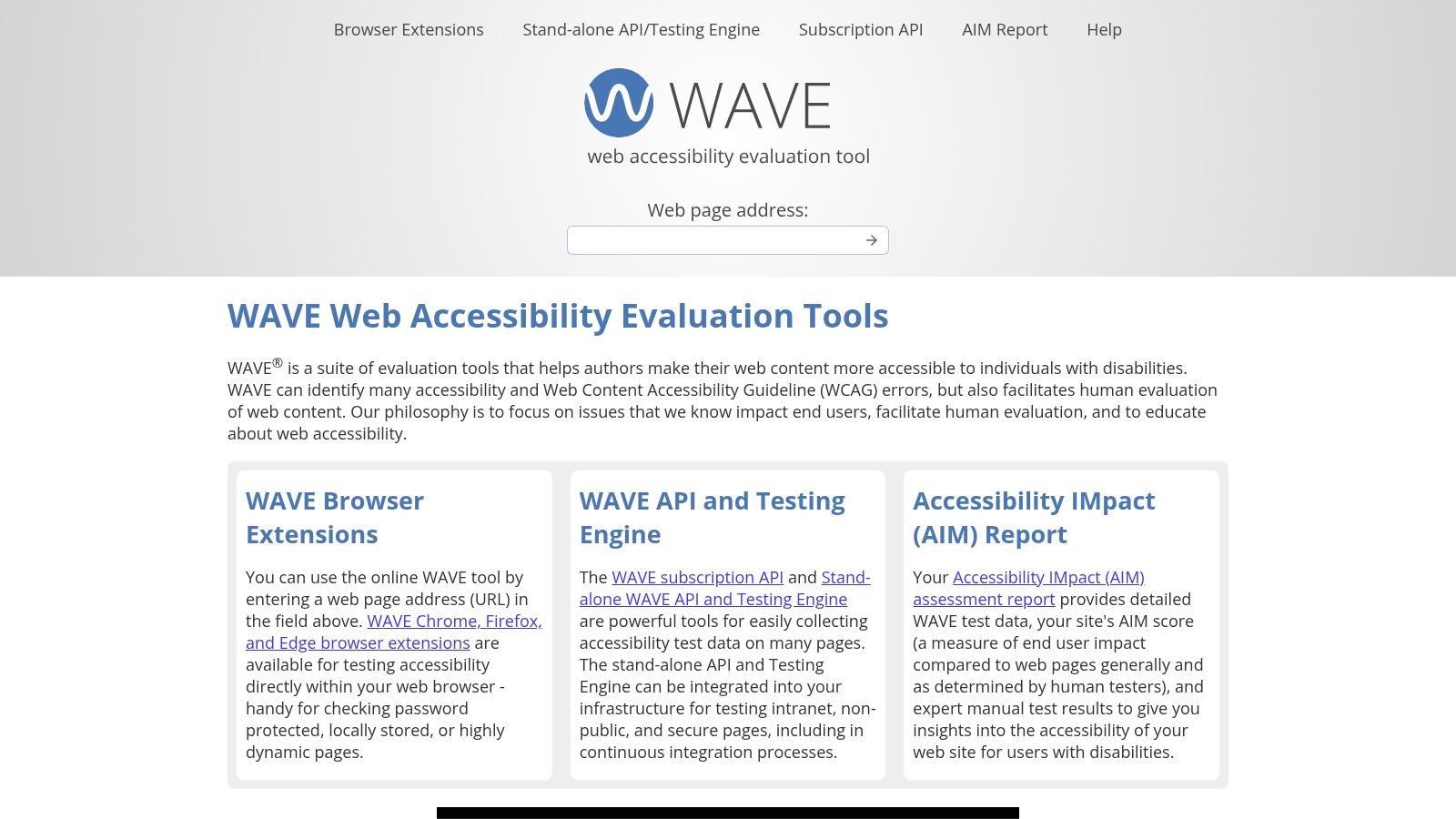
WAVE is one of the few accessibility testing tools that non-developers can use productively without much training. That’s why it shows up in higher education, government, publishing, and content-heavy organizations where accessibility problems often start in templates and editorial workflows.
Its strongest feature is visual clarity. WAVE overlays issues directly on the page, which makes it useful during manual review and remediation discussions. Content editors can see structure, alternative text gaps, and page-level patterns in context instead of working from a detached defect list.
Best use inside a content-heavy workflow
WAVE is a smart choice when multiple teams touch pages after engineering hands them off. Marketing, content, and CMS administrators can use it to spot recurring mistakes before those issues spread across hundreds of pages.
I like it in these situations:
- Editorial review: Page authors can inspect headings, landmarks, and content structure before publishing.
- Audit support: Auditors can use visual annotations to explain findings to non-technical stakeholders.
- API use cases: Teams with batch needs can use the API, then route the results into broader QA workflows.
WAVE is not a substitute for a formal audit. If you’re evaluating enterprise risk, you still need a process that captures assistive technology behavior, task completion barriers, and remediation priority. That’s where a structured digital accessibility audit guide for ADA, WCAG, and Section 508 becomes more useful than any standalone scanner.
Choose WAVE when clarity matters more than platform complexity. It’s excellent for page-level understanding. It isn’t your full program.
4. Google Lighthouse
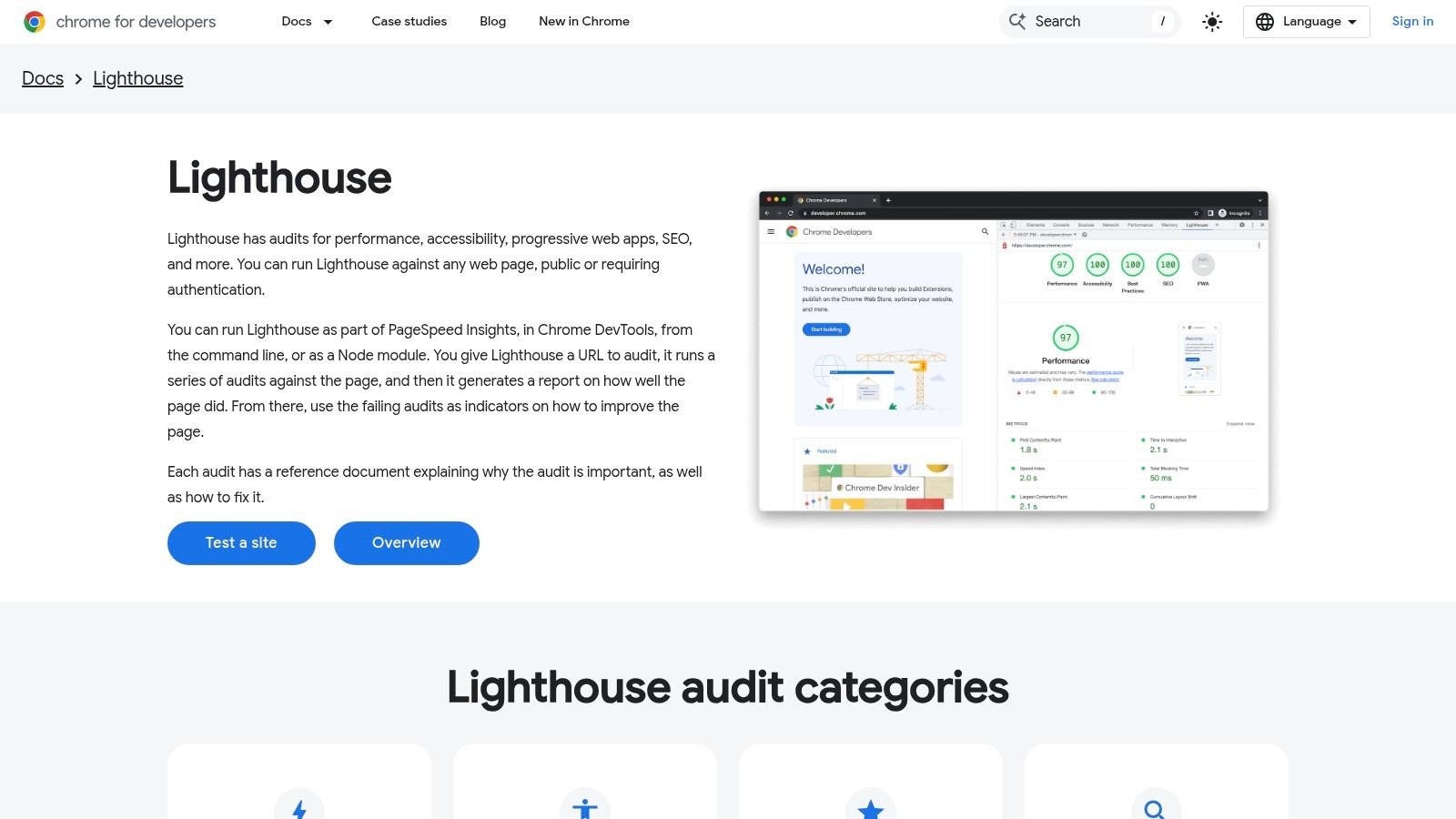
Most development teams already have Lighthouse, which makes it the easiest accessibility tool to deploy immediately. It’s built into Chrome DevTools, available through CLI workflows, and simple to run in CI.
That convenience is also why teams misuse it. Lighthouse is valuable for regression detection and baseline automation, but its accessibility score is not proof of WCAG conformance, ADA readiness, or user experience quality.
Use it as a gate, not a verdict
Lighthouse works best when you treat it like a smoke test. It can catch obvious issues after rendering and give your engineers a repeatable signal in build pipelines. That’s useful. It just isn’t enough.
The broader market is moving toward hybrid testing for exactly this reason. According to Mordor Intelligence’s accessibility testing market analysis, manual testing held 53.20% of market share in 2025, while automated solutions are growing faster as teams embed scanners into CI/CD. That’s the right takeaway for CTOs: buy and build for both.
- Use Lighthouse for fast checks: Great for pull requests, release gates, and trend tracking.
- Don’t use Lighthouse as your audit record: Its score doesn’t answer whether core workflows are usable with assistive technologies.
- Pair it with expert review: That’s how you reduce false confidence.
If anyone on your team says, “We scored well in Lighthouse, so we’re covered,” send them to why WCAG checkers can’t save you from lawsuits.
Lighthouse is useful because it’s everywhere. It’s dangerous when people confuse convenience with compliance.
5. ARC Toolkit / ARC Platform
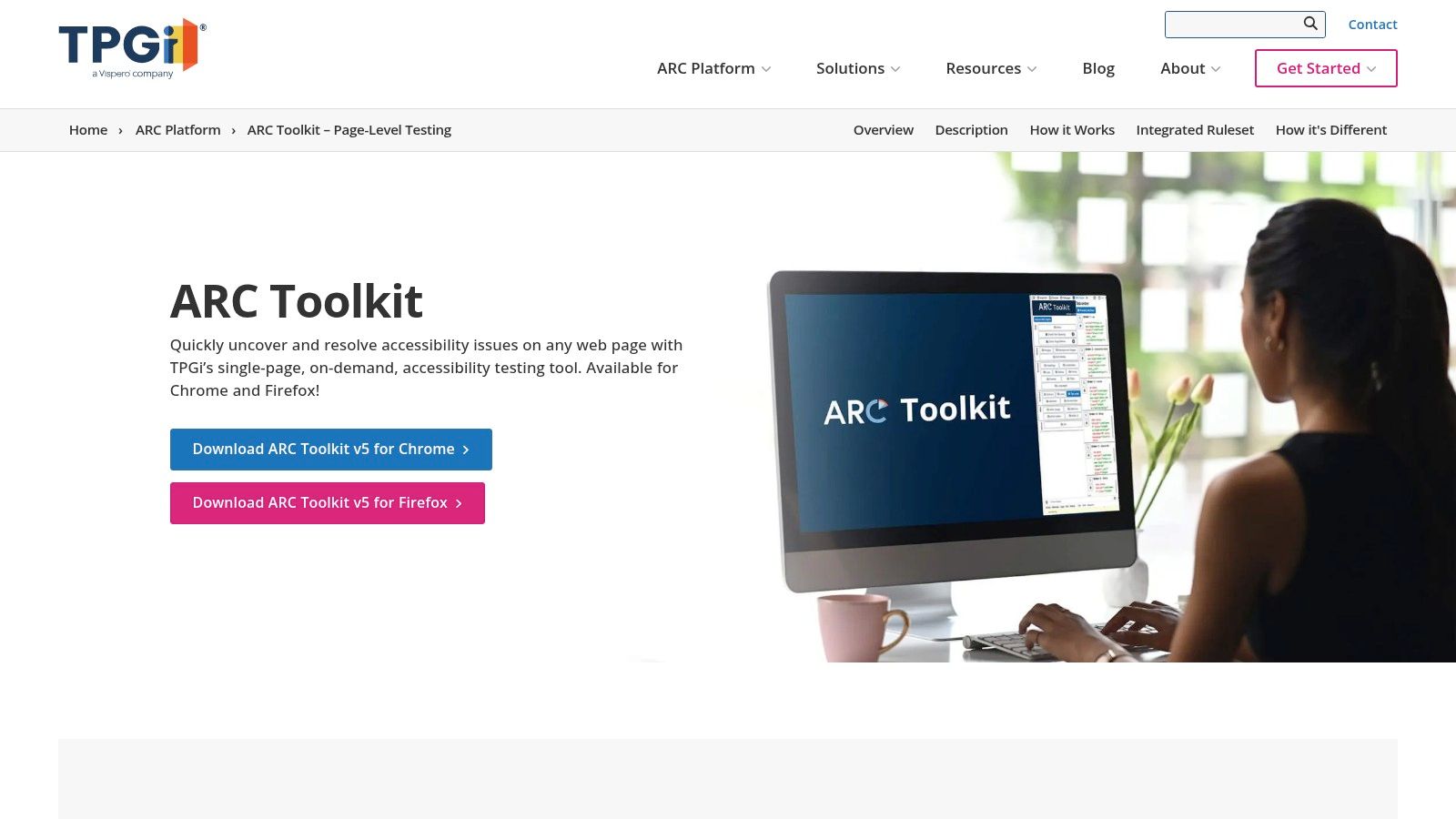
ARC is a practical two-step path. The free ARC Toolkit gives developers page-level diagnostics inside browser dev tools, and the paid ARC Platform gives accessibility leaders a reporting and governance layer once the program matures.
That combination matters. Many organizations don’t need a heavy enterprise platform on day one, but they do need a clean path from local testing to centralized oversight. ARC handles that transition well.
When this stack makes sense
If you’re building an internal accessibility program and want to avoid ripping out tools later, ARC deserves a serious look. Engineers can start with the Toolkit, then your accessibility lead or compliance owner can adopt the Platform when recurring monitoring, reporting, and API-driven integrations become necessary.
ARC is especially useful for teams that want:
- Developer-first local testing: The Toolkit supports issue inspection directly in-page.
- Governance later: The Platform adds dashboards, reporting, and broader program visibility.
- A staged rollout: You can start lean and expand without resetting your process.
The trade-off is straightforward. The free Toolkit is not a crawler or enterprise monitoring solution. It helps a person inspect a page. It doesn’t manage an entire portfolio by itself.
Buy ARC when you want a bridge from engineering diagnostics to governance, not when you’re looking for a one-click compliance answer.
For teams that need a crawl-and-report layer but want to keep developers in familiar browser tooling, ARC can be a sensible middle ground.
6. Siteimprove Accessibility
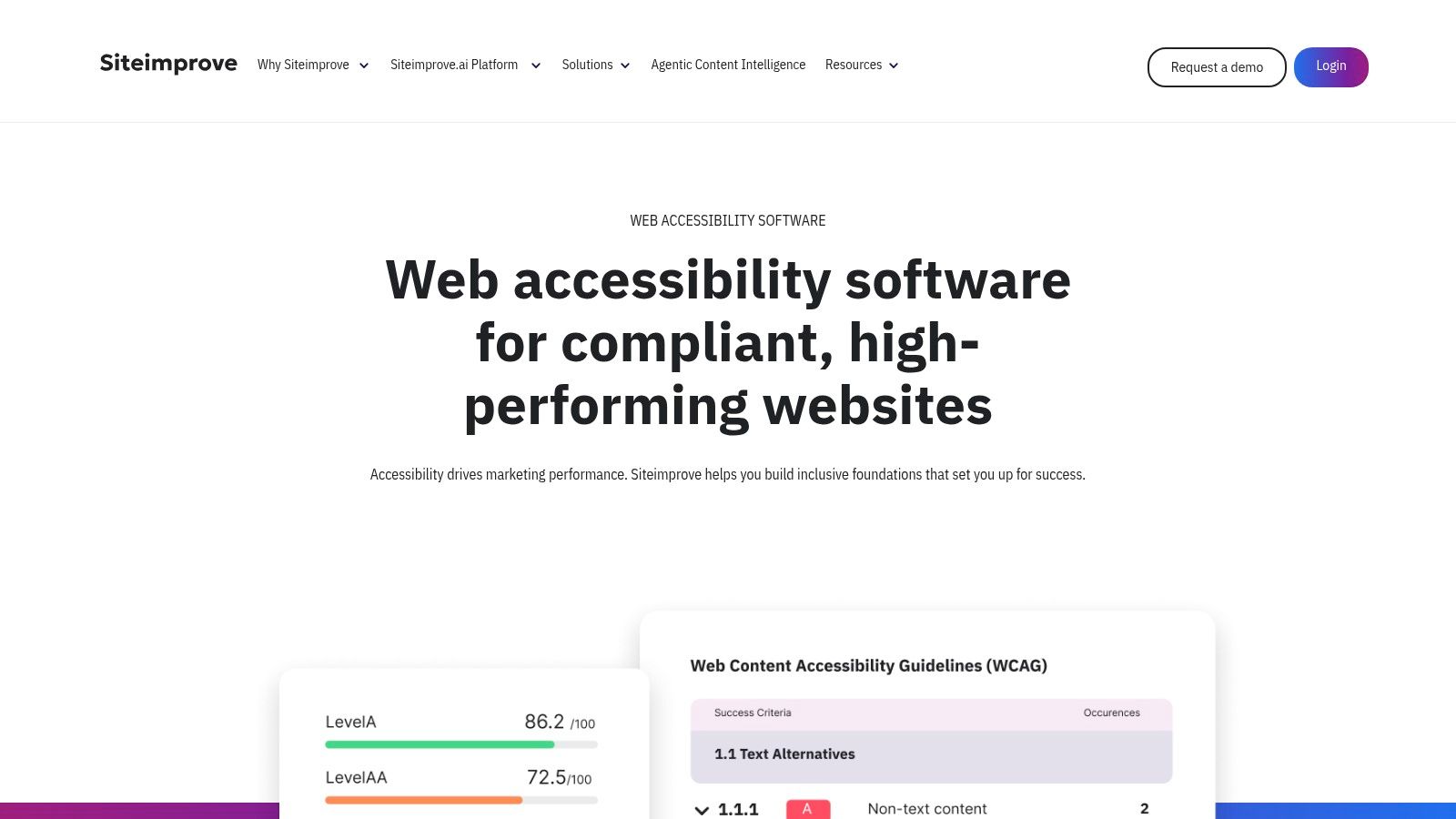
Siteimprove is for organizations that need visibility across a large web estate, not just a single application team. If your accessibility risk sits across multiple sites, departments, or content owners, this kind of platform is easier to operationalize than a collection of standalone browser extensions.
Its strength is monitoring. Site-wide crawling, issue grouping, reporting, and workflow assignment make it easier for distributed teams to manage recurring hygiene work. That’s especially useful where ownership is split between engineering, content, UX, and compliance.
Strong choice for distributed ownership
Siteimprove works best when accessibility is everyone’s job but no single team controls every page. Universities, public institutions, healthcare organizations, and enterprise marketing teams tend to fit that profile.
You should consider it when you need:
- Portfolio oversight: Central reporting across large and changing websites.
- Non-technical usability: Dashboards and issue views that content and compliance teams can follow.
- Ongoing monitoring: Continuous scans instead of one-time snapshots.
The larger market trend supports this type of tooling. In the broader digital accessibility software market, the market is projected to reach USD 1.89 billion by 2034, expanding at a 9.33% CAGR from 2026 to 2034, according to Fortune Business Insights on digital accessibility software. That projection reflects growing demand for continuous monitoring and integrated reporting, not just point-in-time scans.
Still, don’t let a dashboard create false comfort. Siteimprove can tell you where to look. It can’t replace manual testing of forms, transactions, modal behavior, screen reader announcements, or complex workflow usability.
7. Level Access Platform
Level Access is built for organizations that need governance, accountability, and procurement-ready process support. If you’re in a regulated environment, sell to enterprise buyers, or respond to RFPs that ask for formal accessibility evidence, this platform is closer to what leadership usually wants.
The platform combines scanning, workflow, and training with access to expert services. That matters because mature accessibility programs rarely fail from lack of tooling alone. They fail because no one owns policy, issue triage, documentation standards, or retesting.
Best fit for governance-heavy programs
I recommend Level Access most often when accessibility has crossed into legal, procurement, and executive oversight. At that point, a browser extension isn’t enough. You need a system of record.
This is where it stands out:
- Central oversight: Teams can track assets, issues, ownership, and progress in one place.
- Program support: Training and consulting help organizations operationalize policy.
- Enterprise alignment: It fits companies that need structured reporting across many products.
The trade-off is process overhead. Platforms like this deliver value only when teams adopt them seriously. If your engineering org won’t use the workflow and your compliance team won’t govern against it, you’ll pay for shelfware.
The right enterprise platform doesn’t replace human expertise. It organizes it.
Choose Level Access when accessibility is a business control, not just a QA activity.
8. Pa11y
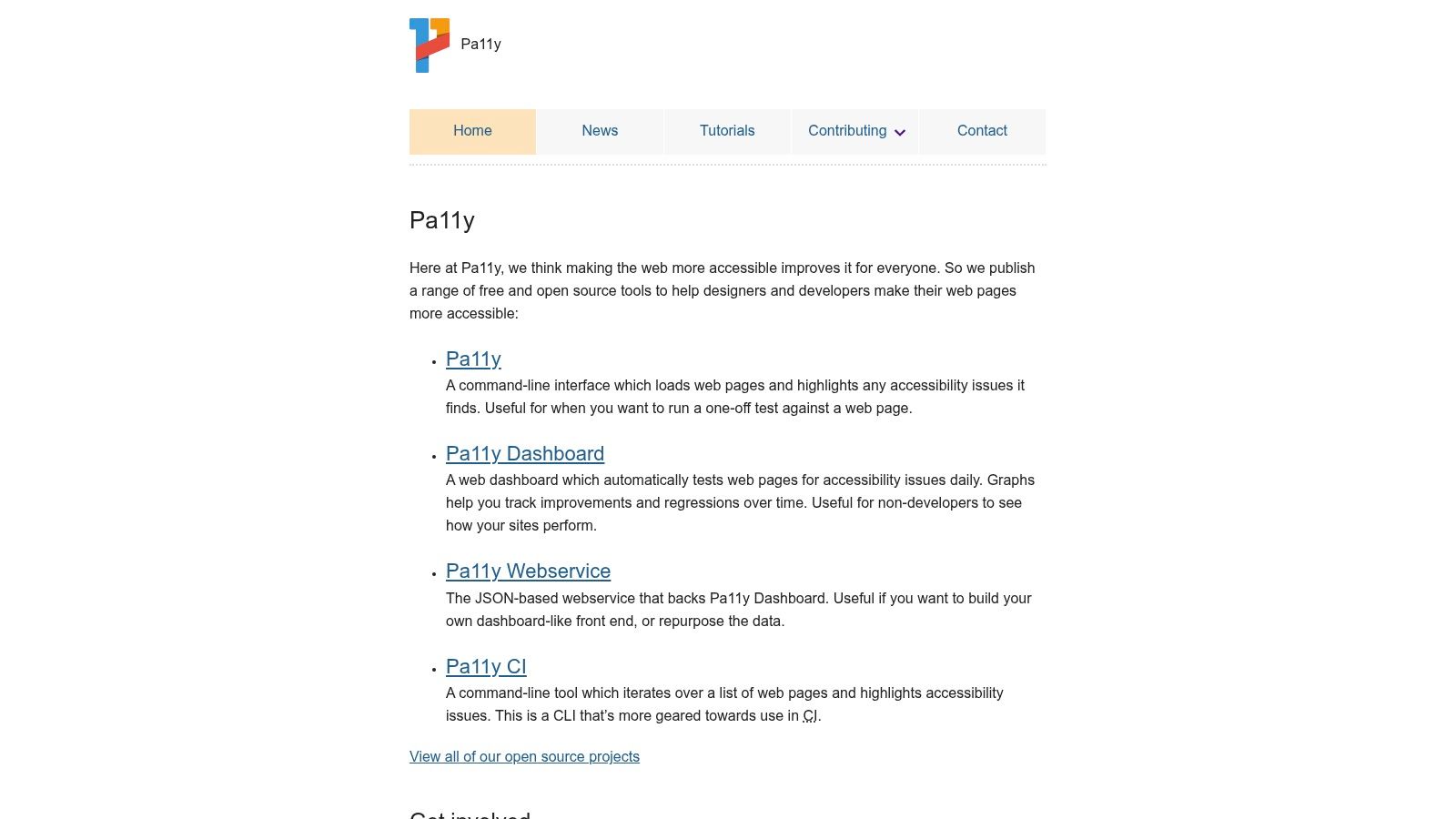
Pa11y is the accessibility testing tool for teams that want open source, automation, and control. If your developers prefer to wire checks into existing CI jobs instead of buying a full SaaS platform, Pa11y is a credible option.
Its CLI and CI workflows are the appeal. Engineers can test individual pages, run multi-URL checks, and maintain their own dashboarding approach if they want historical visibility.
Where open source wins
Pa11y makes sense when your organization already has strong internal engineering capability and doesn’t need a vendor-managed program layer. It’s a particularly good fit for product teams that treat accessibility as part of engineering quality rather than a separate compliance workstream.
Use it when you want:
- Flexible CI integration: It works well in automated build and deployment pipelines.
- Transparent tooling: Open source makes rule behavior and workflow customization easier to inspect.
- Low-cost experimentation: Teams can prove out a testing process before buying commercial tools.
Pa11y isn’t ideal for executive reporting, cross-functional governance, or legal documentation. You can build around it, but you’ll have to do that work yourself. That means defining standards, triage rules, evidence capture, and retest procedures internally.
For engineering-led organizations, that’s often acceptable. For regulated enterprises, it usually isn’t enough on its own.
9. ANDI – Accessible Name & Description Inspector
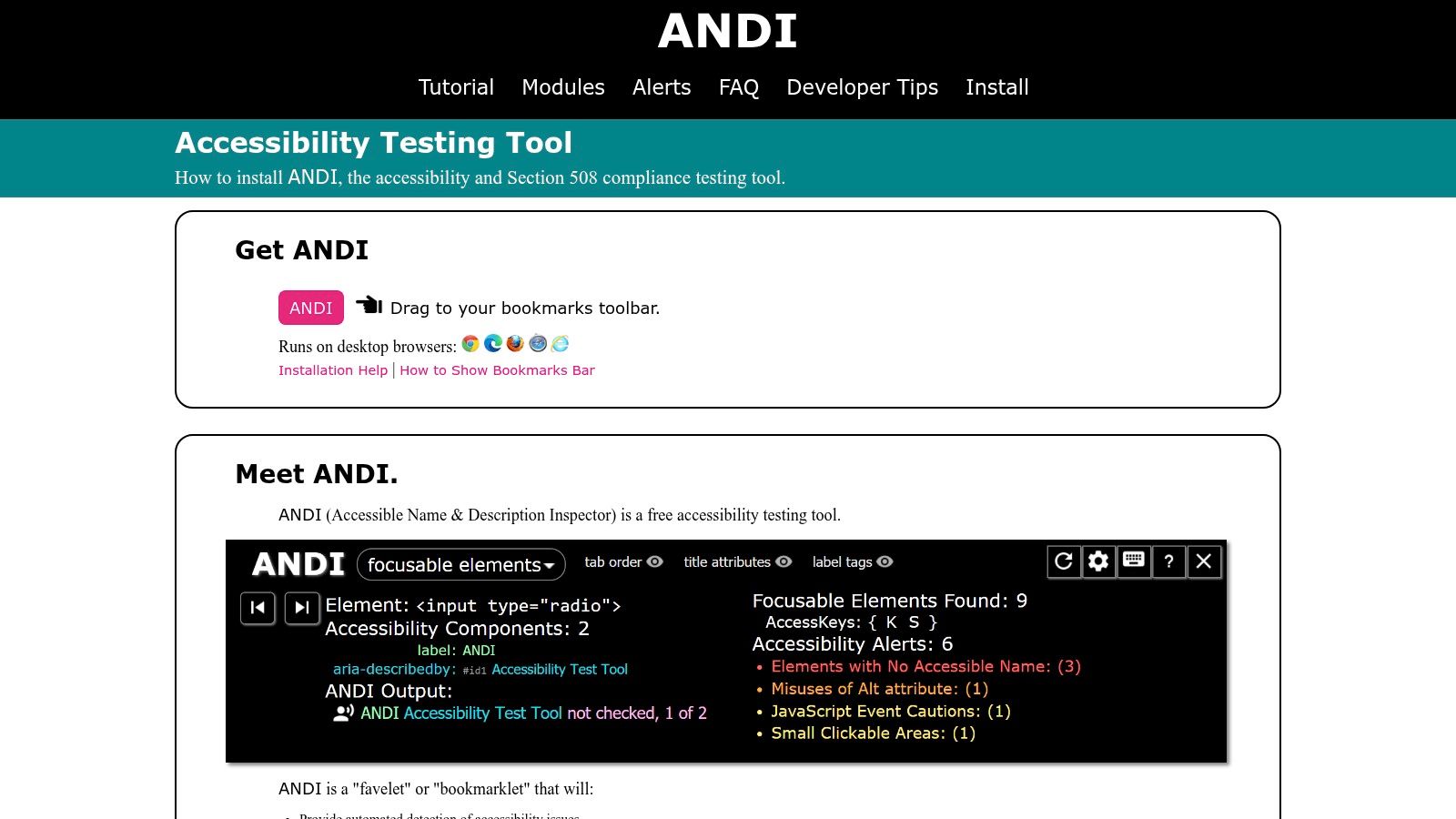
ANDI remains one of the most useful manual inspection tools available, especially for teams working in Section 508 and government-adjacent environments. It’s a bookmarklet from the U.S. Social Security Administration, and it helps testers inspect accessible names, descriptions, keyboard access, structure, and contrast directly on the page.
This isn’t a crawler. That’s why experienced auditors still value it. ANDI helps a human verify semantics and relationships that matter significantly in assistive technology use.
Why experienced auditors still use it
If your developers still misunderstand accessible names, labels, or relationships between controls and instructions, ANDI is a very effective teaching tool. It exposes what assistive technologies are likely to rely on and helps teams inspect details that automated summary dashboards often flatten.
Its strengths are clear:
- Great for manual verification: It helps testers inspect labels, names, and relationships in context.
- Useful in restricted environments: Because it’s bookmarklet-based, it can be practical where extension installs are limited.
- Strong for training: It shows developers what semantic quality looks like.
The larger point is strategic. Buyers often focus too heavily on scanner features, while procurement, legal review, and repeated retesting depend on evidence quality, traceability, and manual validation. W3C WAI frames the limit the same way in its guidance on evaluating accessibility: tools support the process, but “no tool alone can determine if a site meets accessibility standards.” Choose for the evidence a tool leaves behind, not the number of rules it advertises.
ANDI belongs in the manual side of a hybrid stack. It won’t monitor your estate, but it will make your audits better.
10. IBM Equal Access Accessibility Checker
IBM Equal Access Accessibility Checker is a useful option for teams that want an open-source engine with standards traceability and browser-based testing. It can run in development and build workflows, and it gives organizations another way to validate issues without locking everything to a single vendor stack.
I don’t usually recommend standardizing on multiple engines for routine developer work. That creates noise. I do recommend using a second engine selectively when you’re validating patterns, comparing interpretations, or strengthening audit evidence on complex components.
Use it for cross-engine validation
IBM’s checker is valuable in mature programs that want to confirm findings and document how rules are interpreted. That can help when internal teams are debating whether a pattern is failing or when you’re trying to normalize issue handling across different test environments.
Here’s where it fits well:
- Browser-based checks: Useful for quick issue inspection during development.
- Build integration: Supports teams that want automated checks in engineering workflows.
- Cross-validation: Helpful when you want to compare rule engines before standardizing remediation priorities.
The warning is simple. Don’t let multiple tools create multiple truths. Your team should still maintain one primary testing workflow, one severity model, and one remediation process. Secondary tools should support decision-making, not fragment it.
Visit IBM Equal Access Accessibility Checker
Top 10 Accessibility Testing Tools, Feature Comparison
| Tool | Core features | UX / Quality (★) | Value (💰) | Target (👥) | USP (🏆 / ✨) |
|---|---|---|---|---|---|
| Axe DevTools (Deque) | Browser extension, CI/IDE integrations, axe-core rules, code snippets | ★★★★★ Dev/QA precision | 💰 Paid (Pro/Enterprise) | 👥 Developers, QA, enterprises | 🏆 Deep code-level fixes, WCAG‑mapped governance |
| Accessibility Insights (Microsoft) | FastPass triage, guided manual tests, Web/Win/Android support | ★★★★ Quick triage & training | 💰 Free, open‑source | 👥 QA, devs, new contributors | ✨ Guided workflows, cross‑platform tooling |
| WAVE (WebAIM) | Browser extensions, online scanner, inexpensive API, ACT‑aligned checks | ★★★★ Visual, author‑friendly feedback | 💰 Free extensions, paid API option | 👥 Content teams, gov/edu, authors | ✨ Educational visual annotations for authors |
| Google Lighthouse | DevTools/CLI/CI audits, JSON reports, reproducible score | ★★★★ Fast automated baselines | 💰 Free | 👥 Devs, CI/CD, performance teams | ✨ Reproducible scoring for pipeline gates |
| ARC Toolkit / ARC Platform (TPGi) | DevTools overlays (Toolkit); dashboards, API & self‑hosting (Platform) | ★★★★ Toolkit = dev‑friendly; Platform = governance | 💰 Toolkit free, Platform paid | 👥 Devs → orgs seeking governance | 🏆 Path from free local testing to enterprise reporting |
| Siteimprove Accessibility | Site‑wide crawler, issue grouping, CMS plugins, ACT alignment | ★★★★ Portfolio monitoring & reporting | 💰 Quote‑based (premium) | 👥 Higher‑ed, government, content teams | 🏆 Strong governance, stakeholder dashboards |
| Level Access Platform | Scanning, workflow, training, consulting, CI integrations | ★★★★ Enterprise oversight & compliance | 💰 Enterprise pricing (quote) | 👥 Regulated industries, large enterprises | 🏆 Central system of record, procurement‑ready docs |
| Pa11y (open source) | CLI, pa11y‑ci, Dashboard, CI integration | ★★★★ OSS, highly scriptable | 💰 Free, open‑source | 👥 Engineering, DevOps teams | ✨ Flexible, transparent OSS for pipelines |
| ANDI (U.S. SSA) | Bookmarklet overlays for names, focus, contrast, keyboard checks | ★★★ Manual/assisted semantic checks | 💰 Free | 👥 Federal devs, accessibility trainers | ✨ No‑install bookmarklet; screen‑reader alignment |
| IBM Equal Access Checker | Chrome extension, rules engine, ACT Rules implementation | ★★★★ ACT‑aligned automated checks | 💰 Free, open‑source | 👥 Teams needing ACT traceability | 🏆 W3C‑listed ACT Rule implementation, complements other engines |
Your Next Step From Tools to True Compliance
Accessibility testing tools are necessary. They are not enough.
That distinction matters most in critical scenarios. Product launches, enterprise deals, public-sector procurement, VPAT creation, legal complaints, and internal compliance reviews all require more than scan results. They require evidence that a qualified team tested real workflows, reviewed real barriers, prioritized fixes against WCAG, and verified remediation with assistive technologies where appropriate.
This is why a hybrid model is the right model. Use automated accessibility testing tools to shift left, catch common defects during development, and monitor large estates continuously. Then use manual testing to validate keyboard access, screen reader behavior, error handling, focus management, modal interactions, dynamic state changes, cognitive friction, and task completion barriers. The scanner finds patterns. The audit tells you whether users can successfully complete the journey.
If you’re choosing a stack today, keep it simple.
- For developers: Pick one primary browser and CI tool such as Axe DevTools, Accessibility Insights, Lighthouse, ARC Toolkit, or Pa11y.
- For enterprise visibility: Add a monitoring and governance layer such as Siteimprove, ARC Platform, or Level Access if you manage multiple sites, products, or teams.
- For manual validation: Equip QA and accessibility specialists with tools like WAVE and ANDI, then require structured assistive technology testing for critical workflows.
- For compliance evidence: Document findings in a way that supports remediation tracking, retesting, and procurement review.
Don’t buy based on feature volume alone. Buy based on how the tool supports your SDLC stage, your ownership model, and your compliance exposure. A startup shipping one SaaS product doesn’t need the same stack as a healthcare platform, university, or government contractor. But every one of those organizations needs manual audit coverage somewhere in the process.
If you need a defensible starting point, begin with automated checks in development, add repeatable QA verification before release, and schedule independent manual audits at key milestones. That’s the model that reduces surprises.
For teams that need outside support, ADA Compliance Pros is one option for accessibility testing services, manual audits, remediation guidance, retesting, and procurement-ready documentation. If you’re building a business case internally, it also helps to review a manual accessibility audit report example, understand what accessibility testing covers across websites, apps, and hardware, and see how to use a WCAG compliance checker in the right way.
The bottom line is straightforward. Choose accessibility testing tools as part of a stack, not as a shortcut. If you need true compliance, legal defensibility, or a credible VPAT, manual audit work is still the control that matters most.
If your team needs a practical accessibility testing stack, ADA Compliance Pros can help you assess your current workflow, identify where automated tools fit, and add manual audit coverage, remediation guidance, retesting, and VPAT/ACR documentation where risk is highest.