

It is common for teams to still split accessibility and SEO into different workstreams. That’s a mistake. In a 2024 to 2025 study of 10,000 websites, websites with higher accessibility scores showed an average 23% increase in organic traffic and ranked for 27% more organic keywords than less accessible competitors. If your engineering team treats accessibility as compliance-only work, you’re leaving search visibility and revenue on the table.
The legal risk is obvious. The performance upside is still underappreciated. Accessible sites are easier for assistive technology to use, easier for crawlers to understand, and easier for users to trust. Those outcomes reinforce each other. That’s why CTOs need a single operating model for accessibility and SEO instead of two disconnected backlogs.
The Business Case for Unifying Accessibility and SEO
Organizations that treat accessibility as a legal cleanup task leave revenue on the table and increase avoidable risk.
The previously mentioned study found that more accessible sites also tended to earn more organic traffic and rank for more keywords. CTOs should treat that correlation as an execution signal. Accessibility work improves how well your product communicates with users, crawlers, AI systems, and procurement reviewers at the same time.
This is a budgeting issue, not just a compliance issue.
Why siloed ownership fails
Separate ownership creates duplicate audits, conflicting tickets, and slow delivery. SEO teams ask for cleaner templates, stronger internal linking, and clearer content hierarchy. Accessibility teams ask for semantic structure, labels, alt text, keyboard support, and predictable interactions. Engineering hears two requests that often point to the same code changes, then loses time reconciling priorities instead of shipping fixes.
Unify the work under one operating model. Use one backlog, one definition of done, and shared acceptance criteria for structure, navigation, media, page stability, and content clarity. Tie those requirements to release gates so accessibility and search quality are enforced in the same workflow.
That shift changes the conversation with product leaders. Accessibility tickets stop looking like defensive maintenance and start competing as growth work with measurable upside.
Practical rule: If a fix improves how a screen reader interprets a page, review its likely impact on crawlability, indexation, content understanding, and engagement.
The cost of inaction is bigger than many organizations admit
Poor accessibility creates operational drag across the business. Legal inherits more exposure. SEO inherits weaker signals. Product inherits conversion friction. Engineering inherits rework because teams are fixing symptoms in separate queues instead of addressing the underlying markup, interaction, and content problems once.
The financial risk is straightforward. If users cannot complete forms, use navigation, understand media, or trust the interface, conversion drops and support costs rise. The legal risk is straightforward too. Accessibility complaints, demand letters, and procurement scrutiny become harder to defend when the issues are visible, repeated, and tied to core user journeys.
The upside is equally clear. A single remediation program can reduce legal exposure, strengthen organic visibility, and improve conversion paths at the same time. That is why leadership should frame accessibility as part of product quality and acquisition strategy. For a broader executive argument, share this guide on the benefits of digital accessibility for websites with legal, compliance, and product stakeholders.
Media teams should apply the same standard. Captions and transcripts improve usability, expand query coverage, and make video content easier to interpret. This explainer on how subtitles boost video SEO is a useful example of how one accessibility fix can also support discovery.
The Symbiotic Relationship of Accessibility and SEO
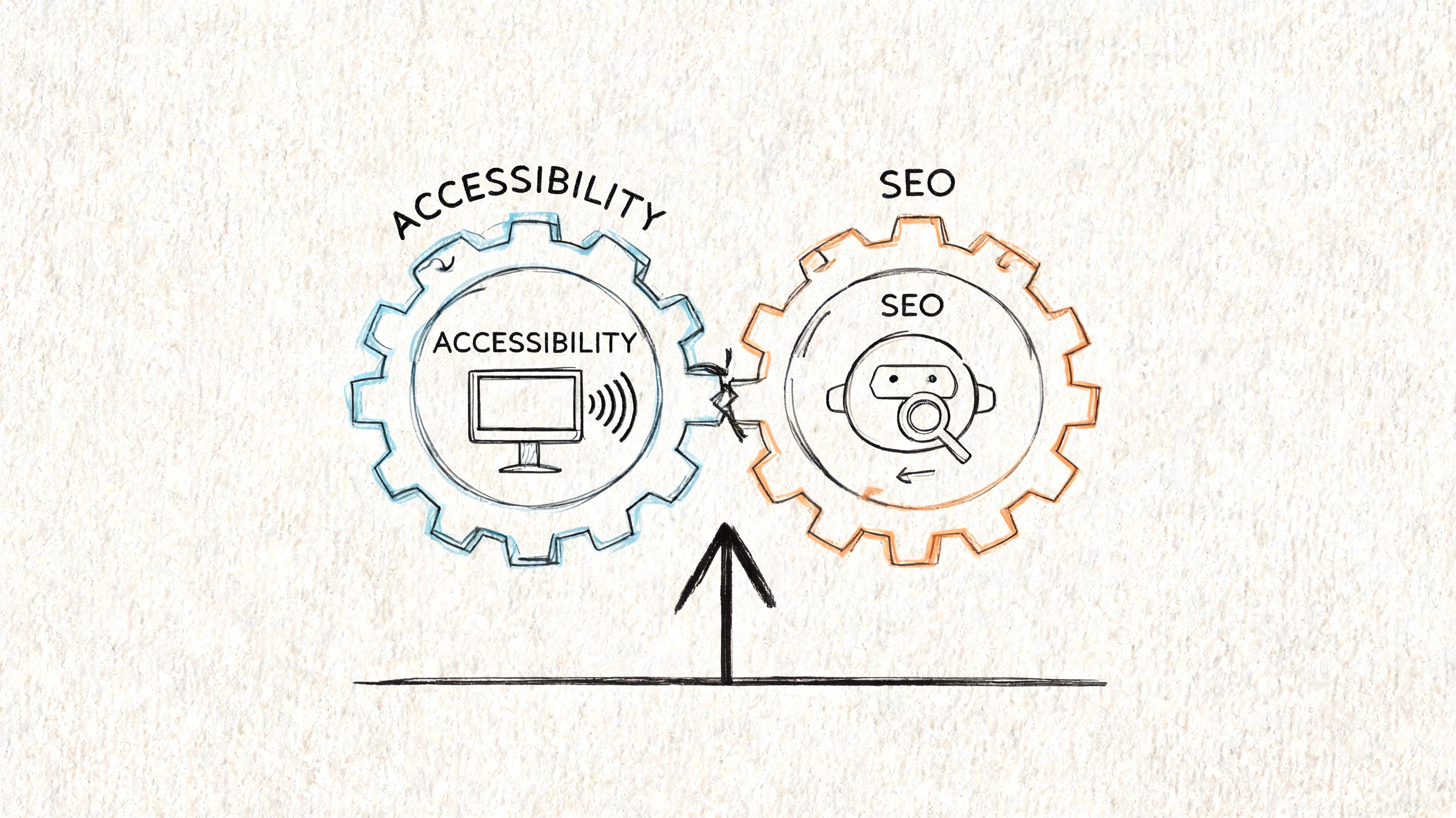
Treat a search crawler like your most important blind user. It can’t see your design choices the way a sighted user can. It relies on code, structure, labels, hierarchy, and text alternatives to understand what the page means.
That’s why accessibility and seo overlap so heavily. Both disciplines reward clarity. Both punish ambiguity. Both depend on semantic signals instead of visual guesswork.
Structure is the shared language
A screen reader user depends on headings, landmarks, button names, form labels, and reading order. Googlebot depends on meaningful HTML, internal links, page titles, and predictable content relationships. Different consumers. Same underlying requirement. Your site must communicate clearly through markup.
That’s also why poor accessibility usually signals poor technical discipline. The 2026 WebAIM Million found detectable WCAG 2 failures on 95.9% of the top one million home pages, at 56.1 errors per page. Most sites are still shipping avoidable structural problems. Search engines encounter those same weak signals.
Content that can be parsed can be ranked
Teams often think accessibility means adding accommodations after the page is built. That mindset creates fragile fixes. Real accessibility starts in content modeling, component design, and front-end implementation.
If your headings are visual only, your navigation isn’t properly marked up, and your media lacks text equivalents, assistive tech struggles. Crawlers do too. If your video program matters to acquisition, resources on how subtitles boost video SEO help connect media accessibility to discoverability in a practical way.
Search visibility improves when machines can interpret your content without guessing.
What doesn’t overlap
Not every SEO task is an accessibility task. Keyword targeting, external link acquisition, and SERP strategy aren’t WCAG issues. And not every accessibility requirement is an SEO lever. Some fixes primarily improve usability, legal defensibility, or assistive technology support.
That distinction matters. You shouldn’t force a fake one-to-one mapping. You should identify the high-value intersection and operationalize it.
How Specific WCAG Fixes Boost Search Rankings
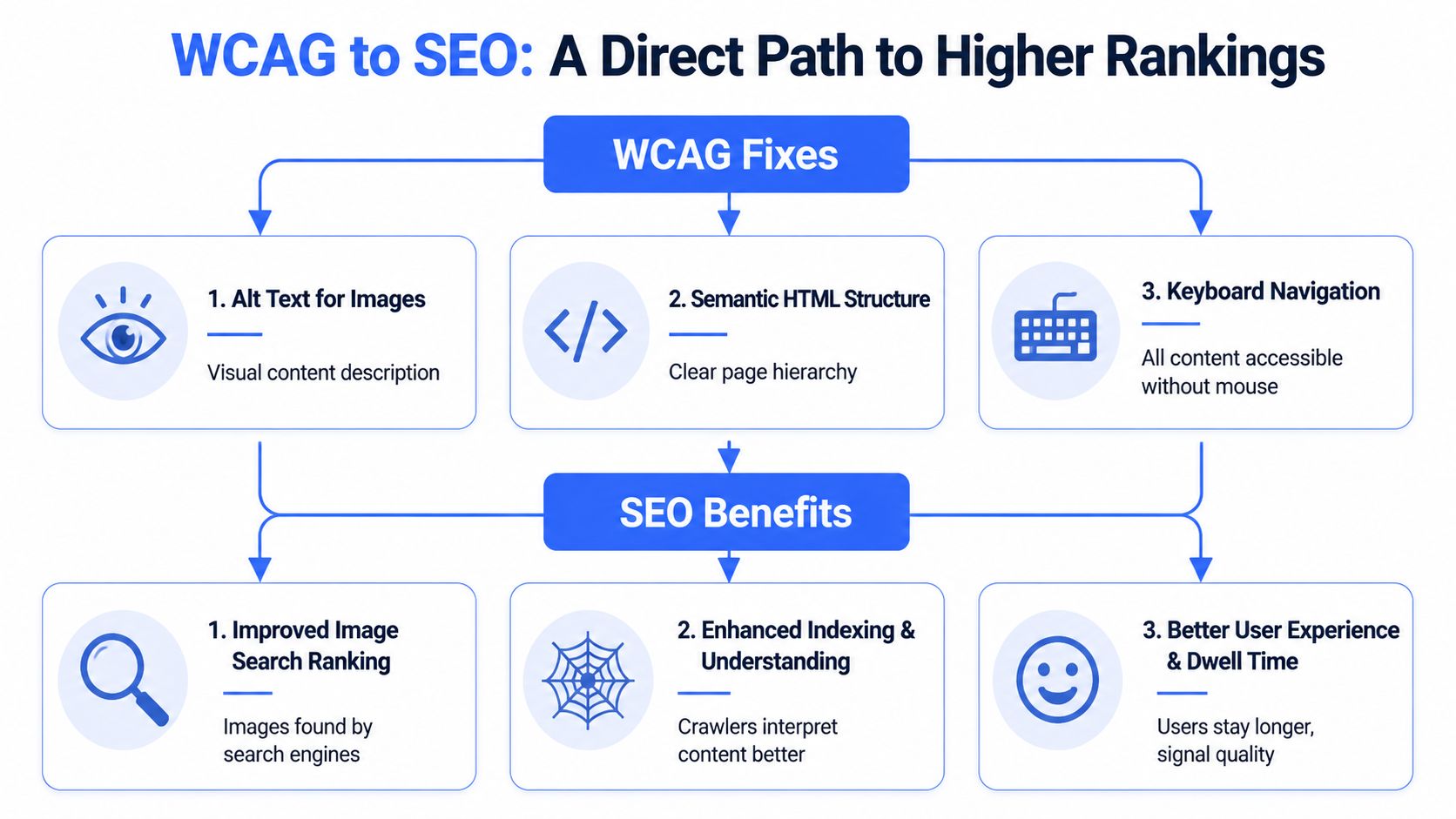
The overlap becomes obvious when you look at common remediation work. Many WCAG fixes improve how content is interpreted, indexed, and experienced. That doesn’t mean every fix changes rankings by itself. It means the technical conditions that support accessibility also support search performance.
Alt text and image context
WCAG requires text alternatives for meaningful images. That helps screen reader users understand visual content. It also gives search engines context they can’t derive from pixels alone.
For engineering teams, this means alt text shouldn’t be treated as a CMS afterthought. It needs governance. The right image gets a useful description. Decorative images stay appropriately ignored. Product teams that publish image-heavy pages should also align with technical image performance practices. This Sight AI image optimization guide is a good companion resource when you’re standardizing both image accessibility and search visibility.
Semantic HTML and content hierarchy
Semantic structure is one of the clearest overlaps in accessibility and seo. Elements like <nav>, <header>, <article>, and <footer> help assistive technologies interpret page regions. They also help crawlers understand the purpose and hierarchy of content.
Messy div-based layouts create unnecessary ambiguity. Strong semantics reduce it.
A practical way to think about this is below:
| WCAG-aligned implementation | Accessibility benefit | SEO benefit |
|---|---|---|
| Semantic landmarks | Easier navigation for assistive tech users | Clearer page interpretation for crawlers |
| Proper heading hierarchy | Better orientation and skipping behavior | Stronger topical structure |
| Descriptive page titles | Immediate page identification | Better relevance and click potential |
| Meaningful link text | Better navigation context | Better internal link understanding |
Your title element is a simple example. It’s critical for screen reader orientation and search relevance. This guide to non-empty unique page titles is the kind of standard every front-end and CMS team should enforce.
Captions, transcripts, and media indexing
Video accessibility is not separate from content marketing. Captions and transcripts make media usable for people who are deaf or hard of hearing. They also turn audio content into indexable text.
That improves content comprehension, on-page context, and reuse across search surfaces. If your growth team is investing in webinars, demos, or product explainers, media accessibility should sit inside your search workflow, not outside it.
Core Web Vitals and accessible front-end discipline
The performance overlap is no longer theoretical. Google states in its page experience documentation that “Core Web Vitals are used by our ranking systems.” A low Cumulative Layout Shift score reflects stable, predictable rendering; Google’s guidance puts a good CLS at 0.1 or less at the 75th percentile. Accessible design choices such as proper layout constraints, responsive behavior, and readable contrast often reinforce those outcomes.
Structured content beats patchwork fixes
Teams get more value when they standardize components instead of chasing isolated defects. Fix the design system. Fix templates. Fix authoring patterns. That scales better than endless one-off edits.
If you’re working on content-heavy sites, this deep dive on structured data for accessibility content helps connect markup quality, content clarity, and machine interpretation.
Working standard: Don’t ask whether a fix is “for accessibility” or “for SEO.” Ask whether it improves structure, meaning, and operability at the code level.
A Prioritized Remediation Plan for Maximum Impact
Teams often don’t need a giant remediation spreadsheet on day one. They need a sequence. Start with the fixes that clean up structure, improve orientation, and remove obvious barriers. Those changes often produce the fastest combined gains across accessibility and organic performance.
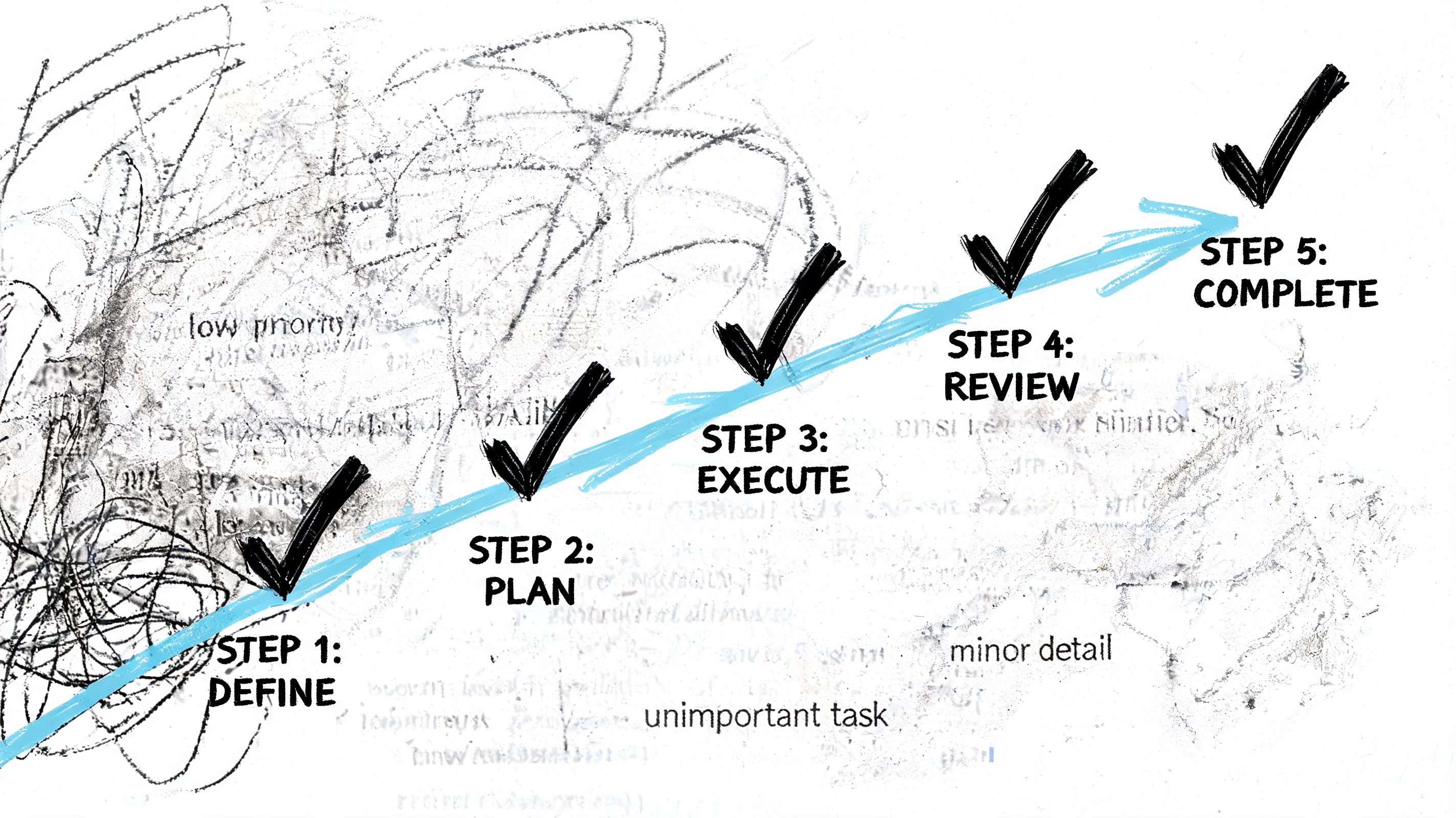
An independent study on accessibility implementation and traffic outcomes found that 73% of websites demonstrated increased organic traffic after implementing accessibility optimizations, and 66% of those sites achieved increases exceeding 50%. That’s why a prioritized plan matters. You want early wins that justify continued investment.
Start with the high-signal basics
Fix these first:
- Page titles: Every important page needs a unique, descriptive title that identifies purpose without guesswork.
- Heading hierarchy: Use one clear H1, then a logical H2 to H3 structure that reflects the page outline.
- Image alternatives: Add meaningful alt text where the image conveys information. Leave decorative assets appropriately silent.
- Link purpose: Replace vague anchors like “read more” or “click here” when they don’t make sense out of context.
- Form labels: Make inputs, errors, and instructions programmatically clear.
These are not cosmetic cleanup tasks. They improve orientation for users and context for crawlers.
Fix navigation and template-level barriers next
Once the basics are in place, move into components that affect the whole site:
- Keyboard access: Menus, filters, modals, tabs, and carousels need full keyboard operability.
- Landmarks and regions: Define navigation, main content, search, and footer consistently.
- Reusable components: Audit your design system for inaccessible patterns before teams duplicate them everywhere.
- Mobile and responsive behavior: Preserve readability, spacing, and operability across viewports.
If your team needs a practical implementation checklist, this guide on how to fix WCAG accessibility issues that are hurting your SEO rankings is a strong next step.
A short walkthrough can help align engineering and product on what good remediation looks like in practice.
Don’t let automation define the backlog
Automated scanners are useful for detection. They’re weak at prioritization. They can flag missing attributes, but they can’t reliably tell you whether your navigation makes sense, whether your error handling is understandable, or whether your content order matches user intent.
That’s why the best remediation plans are manual-first and code-aware. Use automation to surface patterns. Use human review to decide what matters.
Measuring the SEO Impact of Your Accessibility Efforts
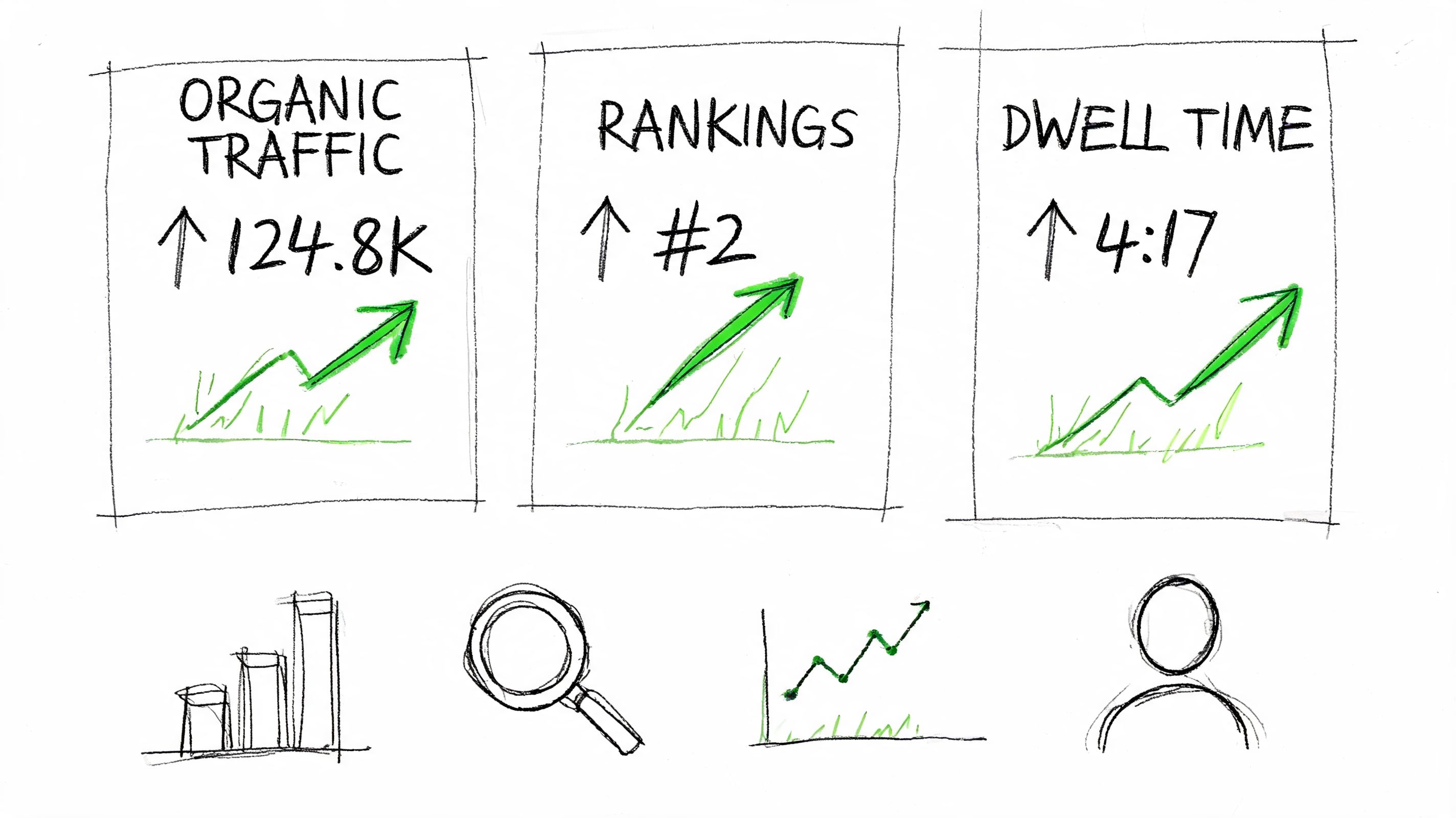
If you can’t measure the impact, budget discussions get soft fast. Compliance reports alone won’t help you defend roadmap time. You need search, engagement, and technical indicators tied to specific remediation work.
Track before and after by page group
Don’t measure the whole site at once. Group pages by template or remediation type.
For example:
- Content pages: Watch impressions, clicks, average position, and CTR in Google Search Console after heading and title fixes.
- Image-led pages: Monitor image search visibility after alt text and filename cleanup.
- Key conversion pages: Review engagement trends in Google Analytics after form labeling, error clarity, and keyboard fixes.
- Template updates: Use Lighthouse and Search Console to watch Core Web Vitals and indexing behavior after front-end refactors.
Tie metrics to remediation categories
A simple operating model works well:
| Remediation area | Primary tool | What to watch |
|---|---|---|
| Titles and headings | Google Search Console | Impressions, CTR, query alignment |
| Media text alternatives | Search Console and CMS reporting | Image discoverability and content completeness |
| Layout stability and responsiveness | Lighthouse and Core Web Vitals reporting | CLS and related page experience signals |
| Navigation and forms | Google Analytics and user testing | Engagement quality and task completion trends |
When a page improves after remediation, document the exact changes. That creates evidence your finance and legal teams can use later.
Use accessibility reporting as product intelligence
Your accessibility audit shouldn’t sit in a compliance folder. It should feed sprint planning, component ownership, and SEO QA.
The most useful teams compare three sources side by side: manual audit findings, search performance data, and user behavior signals. That combination tells you what’s broken, what’s important, and what’s paying off. If internal stakeholders still need baseline context, point them to what ADA compliance means for websites.
Gaining Stakeholder Buy-In for Accessibility Initiatives
You won’t get sustained progress if accessibility lives only with front-end engineering. The CTO has to translate it differently for each stakeholder group.
What the CFO needs to hear
Frame accessibility as risk reduction plus performance improvement. Don’t pitch ethics first. Pitch cost control, stronger acquisition efficiency, and less rework. A site that’s easier to use and easier to crawl supports both revenue and operational discipline.
What legal and compliance need
Legal teams care about defensibility, documented process, and remediation governance. They want proof that the company is identifying issues, prioritizing them, fixing them, and verifying results. A manual audit and a tracked remediation plan are far more credible than a widget or an automated scan report.
Executive message: Accessibility is not a one-time certification. It’s an engineering practice that reduces avoidable risk.
What marketing and SEO teams need
Marketing leaders care about visibility, content performance, and conversion efficiency. Show them where accessibility supports page structure, media discoverability, and cleaner user journeys. They don’t need a lecture on WCAG. They need to know which content and template issues are suppressing reach.
For broader organizational planning, this resource on ADA website compliance is useful when teams need a common reference point across engineering, legal, and procurement.
Accessibility and SEO FAQs
Does accessibility help SEO directly
Yes. Accessibility improves the technical and content signals search engines use to interpret pages. Clear heading hierarchy, semantic HTML, descriptive alt text, captions, transcripts, and stable interactions make content easier to parse, index, and surface.
Do not expect a one-to-one ranking lift from every WCAG fix. Expect stronger crawlability, better content understanding, lower user friction, and a site that wastes less organic demand.
What overlaps between accessibility and SEO most often
Start with the issues that affect both discoverability and usability at scale: page titles, heading structure, image alt text, semantic HTML, internal linking, captions, transcripts, and front-end stability tied to Core Web Vitals.
For a CTO, that overlap matters because it creates one backlog with two outcomes. Engineering reduces compliance exposure while SEO improves the quality of the pages search engines can interpret and users can complete tasks on.
What does not overlap
Accessibility and SEO are not the same discipline. Keyword strategy, link acquisition, SERP competition, and content gap analysis sit with SEO. Screen reader behavior, keyboard interaction patterns, focus management, and form error handling often matter for compliance and usability even when the ranking effect is indirect or hard to isolate.
That distinction helps with prioritization. Shared fixes should go first when business impact is high, but teams still need workstreams for issues that matter to only one side.
Can automated accessibility tools or overlays fix SEO issues
No. Automated tools can catch a subset of errors, and overlays do not repair bad code, weak labels, broken interactions, or poor content structure.
If the underlying template is wrong, search engines and assistive technologies both inherit the same problem. Manual testing, code-level remediation, and content governance are the only defensible approach if you care about legal risk, organic performance, and product quality.
Is a VPAT relevant to SEO
Indirectly, yes. A VPAT does not improve rankings. The engineering and QA work behind an accurate VPAT often points to a more disciplined site architecture, better templates, and fewer usability failures.
That matters to product, procurement, and legal teams because it turns accessibility from a vague promise into documented operational practice.
Why does this matter more now
Because the legal and commercial pressure is already here. Enforcement of the EU Accessibility Act began in June 2025, and that has raised the cost of treating accessibility as a side project instead of a product requirement.
Search engines also keep rewarding pages that are clear, fast, structured, and easy to use. The practical takeaway for leadership is simple. Shared accessibility and SEO remediation is one of the few technical programs that can reduce legal exposure, improve organic acquisition, and strengthen conversion paths at the same time.
If your team needs a defensible way to align accessibility, SEO, and compliance, ADA Compliance Pros can help with manual audits, prioritized remediation guidance, and VPAT-ready documentation that engineering, legal, and procurement teams can use.