

A lot of teams already have an accessibility dashboard. It sends weekly reports, posts a score in Slack, and tells leadership that things are stable. Then legal gets a complaint, procurement asks for a current accessibility review, or a customer reports they can’t complete a critical task with a keyboard or screen reader.
That gap is where most accessibility monitoring programs fail. The problem usually isn’t a lack of tools. It’s that the organization built a reporting system, not a risk-reduction system. If you’re a CTO or product leader, the fundamental question isn’t whether you can monitor accessibility. It’s whether your monitoring plan can catch the kinds of issues that create user friction, compliance exposure, and expensive rework.
A durable accessibility monitoring program needs three things working together: a realistic baseline, a cadence tied to product risk, and remediation SLAs that teams can realistically meet. It also needs discipline about what automation can do, what it can’t do, and where expert review has to step in.
Beyond the Dashboard Why Most Monitoring Fails
The most common failure pattern is simple. A team treats an automated score as a compliance signal, then organizes status reporting around that score.
That approach creates compliance theater. Be sceptical of any specific percentage you see attached to automated coverage — the figures in circulation range from 25% to 57% and trace back to vendors rather than to research. What is authoritative is the direction: W3C WAI states that “no tool alone can determine if a site meets accessibility standards” and that knowledgeable human evaluation is required. A clean dashboard therefore proves that a scanner found nothing, which is not the same claim as the one your report is making. If your internal reporting says “green” while keyboard traps, screen reader mislabeling, modal focus failures, and broken error handling remain in production, the dashboard isn’t reducing risk. It’s hiding it.
This is why accessibility monitoring has to start with a different operating assumption. A scan result is not a conformance decision. It’s a narrow signal about detectable code-level issues.
Practical rule: If a metric can’t tell you whether a user can complete a critical task, it shouldn’t sit at the center of your monitoring program.
Many teams need to reset expectations at the executive level. Monitoring should help answer questions like these:
- Release risk: Did the latest sprint introduce new barriers into login, checkout, registration, search, or account management?
- Operational risk: Are known accessibility defects staying open too long, especially in shared components?
- Verification quality: Are teams closing tickets based on re-scan results alone, or are they validating fixes with actual assistive technology workflows?
- Governance maturity: Do product, design, QA, and engineering all know what “accessible enough to ship” means?
A CTO doesn’t need another dashboard that reports clean HTML patterns while users fail real tasks. A CTO needs evidence that the organization can achieve accessible website compliance through repeatable controls, not optimistic tooling.
One of the clearest warning signs is when leadership asks why the scan score is high but customer friction is still showing up in support, procurement review, or legal escalation. If that’s your current state, it’s worth reviewing why WCAG checkers cannot save you from lawsuits before you invest further in scan-only reporting.
Defining Your Accessibility Goals and KPIs
Accessibility monitoring gets traction when teams stop measuring “compliance” as a vague goal and start measuring operational performance.
The federal government has already published a worked example of what that looks like. GSA’s Government-wide IT Accessibility Team maintains a set of example IT accessibility KPIs that agencies adapt to their own programs — measures such as the share of the monitoring team trained on the testing tools, the time taken to resolve identified barriers, and the density of findings across a monitored estate. These are a template rather than a government-wide mandate, and that is the useful part: each organization sets its own phased target and then has something concrete to miss or hit.
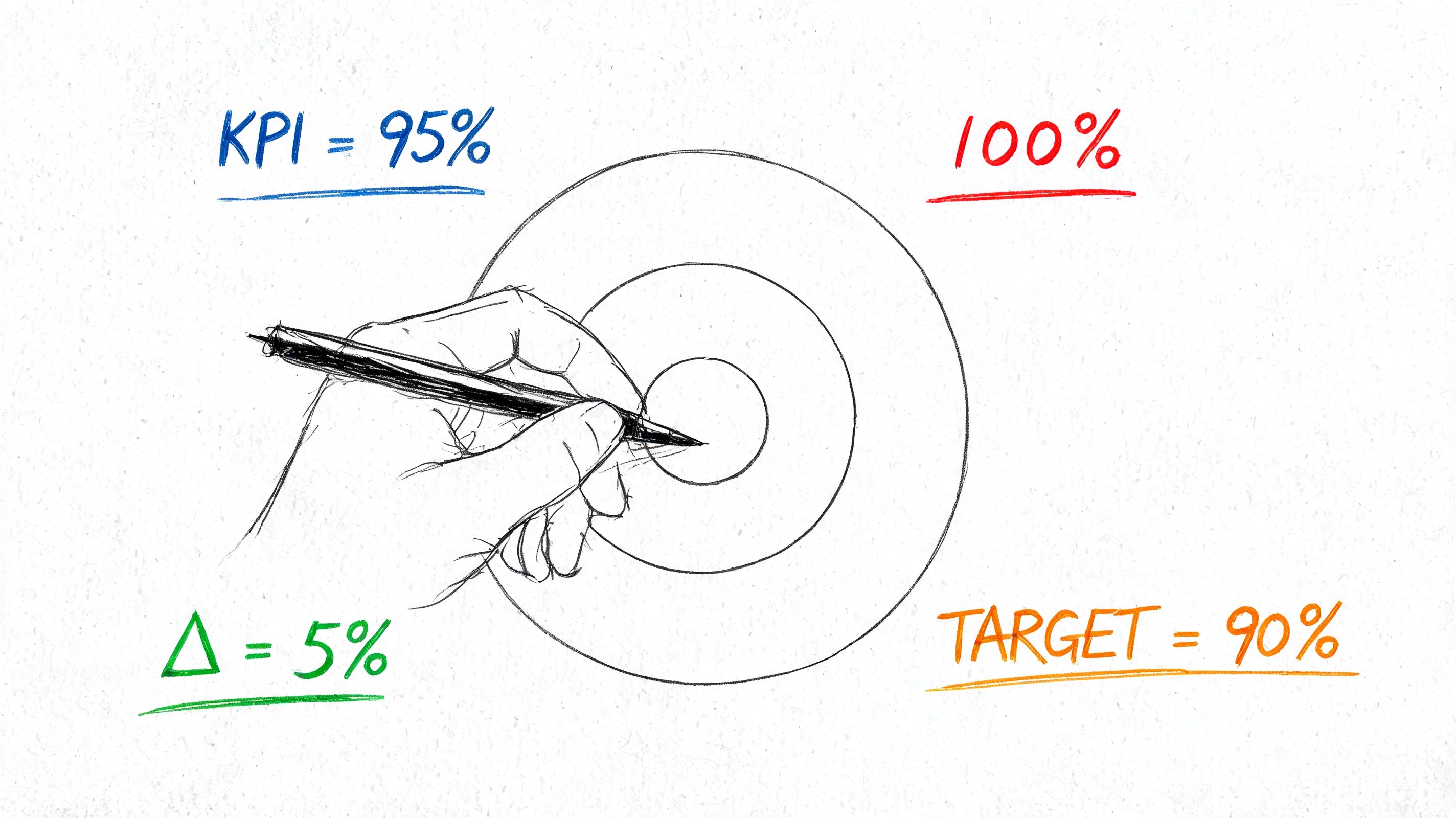
Start with outcomes, not scores
A strong KPI set connects accessibility work to delivery quality and customer experience. That usually means separating metrics into four buckets.
| KPI area | What to track | Why it matters |
|---|---|---|
| Baseline quality | WCAG finding density, open findings by severity, conformance by success criterion | Shows where risk sits today |
| Fix execution | Resolution timeframes, fix backlog age, closed vs. verified findings | Shows whether teams are actually reducing exposure |
| Team capability | Training participation by role, reviewer coverage, accessibility ownership in squads | Shows whether quality can improve sustainably |
| Release health | New issues introduced per release, component regressions, critical flow validation status | Shows whether shipping velocity is creating fresh debt |
A score often becomes counterproductive at this stage. A single blended number collapses too much context. It hides whether your real problem is design debt, frontend component reuse, weak QA, or untrained content authors.
Teams that need help building measurable frameworks can borrow ideas from Fluidwave’s framework for quantifying the unmeasurable, then adapt that thinking to accessibility operations. The useful move is to define what evidence is acceptable for each KPI, who owns it, and how often it gets reviewed.
Pick KPIs your teams can act on
Good accessibility KPIs drive decisions. Bad ones fill slides.
Use metrics that trigger a response:
- For engineering managers: new defects introduced by release, unresolved issues in shared components, verification status on reopened tickets
- For product leaders: accessibility status of critical user journeys, unresolved blockers affecting key workflows, readiness for procurement or customer review
- For compliance teams: audit baseline status, current remediation progress, evidence of training and retesting
- For QA leads: manual test coverage on priority flows, defect escape patterns, regression tracking
A useful KPI has an owner, a review rhythm, and a clear action when it moves in the wrong direction.
If you’re building the program from scratch, start small. Pick a baseline quality metric, a remediation metric, a training metric, and a release metric. Then review them consistently. That’s better than collecting a dozen accessibility numbers no one uses.
Structuring Your Hybrid Testing Model
Accessibility monitoring works when you separate detection at scale from judgment about actual usability and conformance. Those are different jobs.
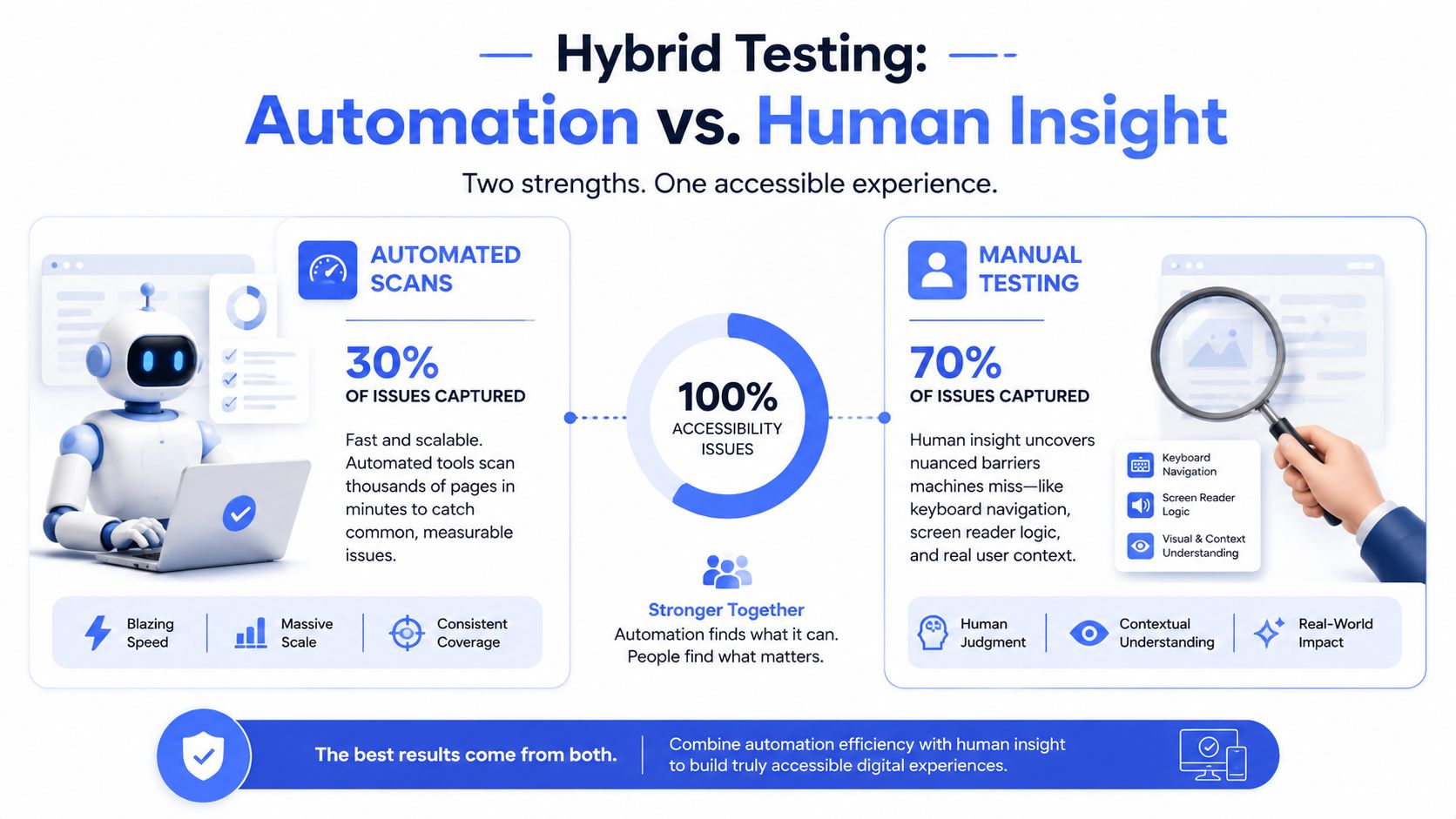
The hard limit of scan-based monitoring is clear in the evidence summarized in this audit-versus-scan analysis. Automated scanning tools can reliably detect only 13% of WCAG 2.2 AA success criteria, with another 45% only partially detectable. In a UK government study, the best tool found only 40% of 142 known issues. Even axe, cited there as identifying 57% of issues, still misses nearly half.
What automation should own
Automation is still useful. It just needs a narrower job description.
Use automated scanning for:
- Frequent baseline checks: catch missing labels, contrast failures, heading structure problems, ARIA misuse, and obvious code regressions
- CI/CD gate support: flag issues before they merge, especially in repeatable frontend patterns
- Trend watching: identify whether detectable errors are moving up or down over time
- Template surveillance: monitor high-volume page types where known patterns repeat
This makes automation a detection aid. It gives engineering teams fast feedback and helps prioritize where human review should go next.
What manual testing must cover
Manual review should own the risks that determine whether users can use the product.
That includes:
- Critical user journeys
Login, registration, search, filtering, checkout, account management, document access, and support flows need hands-on testing. - Interactive behavior
Keyboard order, focus management, modal behavior, dynamic state changes, custom widgets, and error recovery don’t reduce well to a scan result. - Assistive technology compatibility
Screen reader output, form instructions, status messaging, and control naming need human evaluation. - Complex content and edge cases
Tables, charts, embedded tools, authentication flows, and component combinations often look fine in code but break in practice.
Manual testing isn’t the expensive extra. It’s the part that tells you whether the product is usable.
A practical hybrid model starts with an expert-led baseline audit, then layers recurring scans and targeted manual checks between major audits. For many teams, that’s the difference between monitoring that creates noise and monitoring that drives decisions.
If your internal debate is still “tool versus audit,” this comparison of manual vs automated accessibility testing is usually the right conversation starter for leadership.
Establishing Monitoring Cadence and Coverage
A monitoring plan falls apart when cadence is based on convenience instead of change risk. You don’t need the same review rhythm for every page, component, and workflow.
The better model is tiered. Monitor what changes often and what matters most to users more aggressively. Monitor low-risk content more lightly.
Build cadence around change risk
Use your release patterns as the starting point.
If your teams ship continuously, accessibility monitoring should sit inside that release motion. If your product changes in larger batches, tie deeper review to those release windows. The point is to shorten the gap between introduction of an issue and detection of it.
A practical cadence often looks like this:
- On code changes: run automated checks in pull requests and build pipelines for frontend code and reusable components
- On a recurring schedule: scan key templates and high-traffic pages to catch content regressions and markup drift
- On feature release: run targeted manual review on any new or changed user flow with business or legal significance
- On a periodic governance cycle: perform deeper expert review across representative workflows, shared components, and known risk areas
This model gives you speed where automation helps and depth where risk demands it.
Sample pages and flows deliberately
Coverage matters as much as frequency. Many teams over-monitor public marketing pages and under-monitor authenticated experiences where the highest-impact barriers live.
A defensible sample should include a mix of:
| Coverage type | Include |
|---|---|
| Core templates | Home, content pages, search results, forms, modal patterns |
| Critical transactions | Registration, checkout, payment, scheduling, account settings |
| Authenticated workflows | Dashboards, document centers, reporting tools, admin paths |
| Shared UI components | Navigation, carousels, date pickers, dropdowns, design system elements |
| Content variations | PDFs, tables, media embeds, error states, empty states |
Don’t just sample by URL. Sample by component reuse and task criticality.
If one broken component appears across dozens of screens, the component is the thing to monitor, not each page in isolation.
You should also adjust coverage when certain signals appear: a redesign, a framework migration, a new design system rollout, a support pattern indicating user friction, or a procurement review that raises documentation pressure. Those are all reasons to increase manual review, even if the automated dashboard looks stable.
Integrating Monitoring into the SDLC
Accessibility monitoring becomes sustainable when it fits the way engineering already ships software. If it sits outside delivery, it becomes a side project. Side projects lose priority the moment release pressure climbs.
Make accessibility part of delivery, not a side queue
Start by placing accessibility checks where teams already make quality decisions: design review, pull requests, QA, and release readiness.
That means:
- adding accessibility acceptance criteria to stories and epics
- running automated checks in CI/CD
- assigning ownership for manual validation on changed flows
- defining what evidence is required before a ticket is closed
This is similar to how mature teams think about implementing ALM with Microsoft technologies. The process matters as much as the toolchain. Accessibility has to be part of application lifecycle management, not a disconnected audit artifact.
A useful pattern is to treat accessibility findings like any other defect stream, but with extra rules for verification and prioritization. That keeps work visible in Jira, Azure DevOps, or similar systems instead of burying it in PDF reports or vendor dashboards.
Turn findings into engineering work
Tickets need enough detail for developers to act without guesswork. A usable accessibility ticket usually includes the WCAG criterion, severity, affected component or screen, reproduction steps, expected behavior, actual behavior, and suggested remediation direction.
Many teams also benefit from formalizing accessibility in their Definition of Done. A feature isn’t done because the scanner passed. It’s done when:
- relevant automated checks pass
- accessibility acceptance criteria are met
- targeted manual validation has occurred on changed interactions
- the team has documented any remaining exceptions or follow-up work
For teams building this discipline, accessibility training is often the missing operational layer. Developers, QA, designers, and product owners need different skills. A generic awareness session won’t fix delivery gaps.
A short walkthrough can help teams visualize how this fits into real delivery workflows:
If you need a concrete artifact for engineering handoff, define accessibility acceptance criteria up front. This guide on accessibility acceptance criteria is a practical place to start.
Managing Remediation and Verification Workflows
Monitoring only matters if it leads to verified fixes. A backlog full of open findings isn’t the main failure. The bigger problem is when teams close issues without proving that the barrier is gone.
Two measures carry most of the weight. Remediation velocity is the time from identifying an issue to validating that it is gone — note the endpoint is validation, not the developer marking the ticket done. Regression rate is the share of fixed issues that reappear, and it is the number that tells you whether you have fixed defects or fixed a component. Set an SLA per severity band, and close findings only on manual re-test with assistive technology. GSA publishes a set of example IT accessibility KPIs in the same spirit, as a template agencies adapt rather than a fixed target.
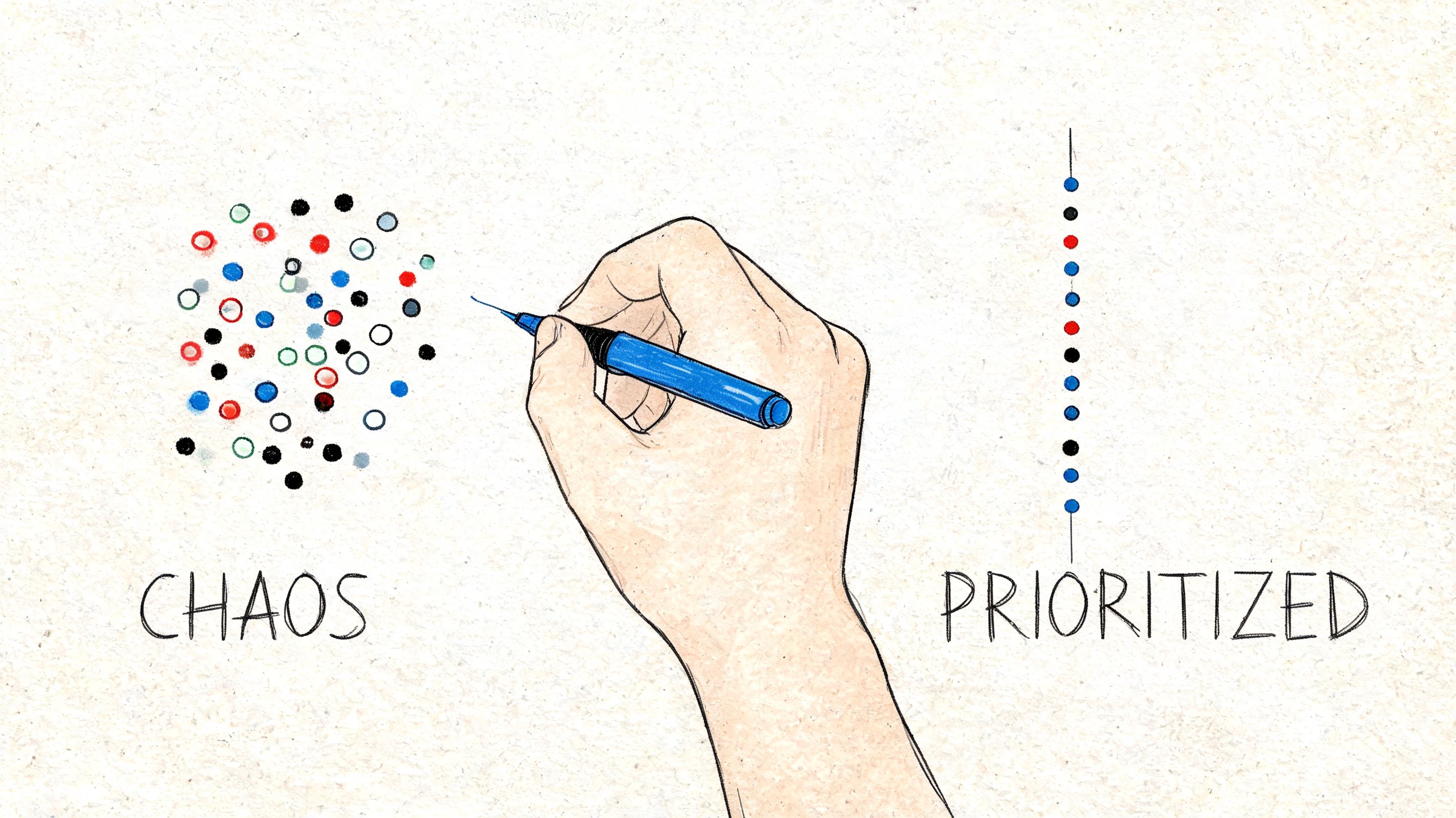
Prioritize by user impact
Not every issue deserves the same response time. Severity should reflect task impact, not just code neatness.
A workable prioritization model looks like this:
- Critical issues
Barriers that block core tasks. Think inaccessible authentication, unusable checkout controls, or form errors that a screen reader user can’t detect. - High-severity issues
Problems that don’t fully block completion but create major friction or high legal exposure. - Medium issues
Meaningful defects that affect usability or consistency but don’t usually stop task completion outright. - Lower-priority issues
Problems worth fixing, but not first in line when core workflows still have barriers.
Effective governance addresses these challenges. If teams triage accessibility only within engineering, priorities often skew toward ease of implementation. Mature programs add product, compliance, and QA to the decision process because business risk and user impact are part of prioritization.
Verify fixes the right way
A common mistake is marking an issue fixed because the scanner no longer flags it. That’s not verification. It’s absence of one detectable signal.
Manual retesting should confirm the specific user interaction that failed before. For example, if the defect involved focus loss in a modal, the verifier should test the modal behavior with keyboard navigation and relevant assistive technology. If the issue involved error identification, the verifier should trigger the error state and confirm the message is announced and understandable.
Closed means the user barrier is gone. It doesn’t mean the automated report got quieter.
Training matters here because fix quality depends on who is doing the work. Teams that need repeatable remediation habits usually benefit from role-based coaching, code examples, and review routines. One option is how ADACP trains teams to fix digital accessibility fast, which focuses on turning findings into actionable engineering practice rather than generic awareness.
Frequently Asked Questions About Accessibility Monitoring
Is accessibility monitoring enough for ADA compliance?
No. Monitoring is a maintenance function. It helps teams catch newly introduced issues and track patterns over time, but it doesn’t determine full WCAG conformance on its own. If you need a defensible compliance position, procurement-ready documentation, or a current VPAT/ACR baseline, you still need expert-led evaluation.
How often should we run accessibility monitoring?
Tie frequency to change velocity and risk. Teams that ship often should run automated checks continuously in delivery workflows and schedule targeted manual review around important releases. Teams with lower change volume can use a lighter scan cadence, but they still need periodic expert review of critical flows and shared components.
What should we monitor first?
Start with revenue, compliance, and account-critical workflows. That usually means login, registration, search, checkout, application forms, account management, and any path needed for support or document access. After that, look at shared components because one broken component can spread the same barrier widely.
Should we monitor pages or components?
Both, but not in the same way. Page monitoring helps spot content-level regressions and template drift. Component monitoring is often more efficient for design systems and web apps because one defect in a date picker, modal, or navigation pattern can affect many screens.
Can accessibility overlays replace monitoring?
No. Overlays do not replace auditing, remediation, or verification. They also do not provide the operational evidence required to manage regressions within your product lifecycle. If your team is serious about accessibility monitoring, overlays are a distraction from the essential work.
Who should own accessibility monitoring internally?
Usually a shared group. Engineering owns implementation, QA owns validation coverage, product owns prioritization on critical flows, design owns pattern quality, and compliance or governance teams own evidence and policy alignment. One executive sponsor should still be accountable for the overall program.
How do we connect monitoring to training?
Use your findings backlog to decide who needs what training. If defects cluster in forms, frontend teams may need component-level instruction. If content issues keep resurfacing, train CMS authors and marketing teams. If design handoff is the source of repeated problems, train designers on patterns and states. Broader context also matters, especially as platforms evolve, which is why some teams also track how new tech from Google and Apple is shaping digital accessibility training.
What’s the best first step if our current program is tool-driven?
Get a manual baseline on your highest-risk workflows, then rebuild monitoring around that reality. After that, document ownership, cadence, sampling logic, and SLAs. If you need a broader governance model, this guide on how to build an accessibility program is a useful next step.
If your team needs an accessibility monitoring plan that supports audits, remediation, VPAT work, and ongoing release governance, ADA Compliance Pros can help you define cadence, sampling, verification workflows, and role-based responsibilities in a way that’s usable for engineering and defensible for compliance.